Blog
Best Workstations for Productive Modern Offices


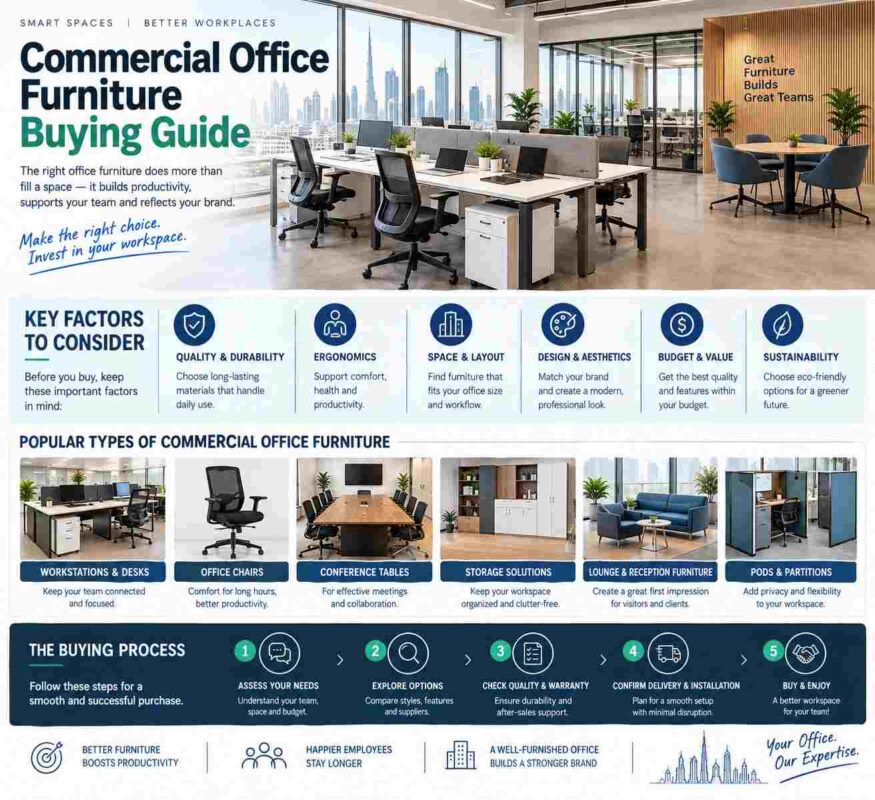
A workstation decision becomes visible in daily operations faster than most furniture purchases. When desks are too small, cables are unmanaged, storage is missing, or colleagues sit too close together, focus drops and the office begins to feel improvised. The best office workstations give every employee a defined place to work while supporting the visual order, comfort, and professional standard your business wants to project.
For a startup, that may mean a compact two-person bench with mobile pedestals. For a growing department, it may mean four- or six-person workstation clusters with privacy panels and shared cable management. The strongest solution is not simply the largest desk or the lowest-cost configuration. It is the one that matches your people, workflow, floor plan, and expected growth.
What Defines the Best Workstations?
A high-performing workstation combines usable work surface, ergonomic support, practical storage, and a layout that makes movement through the office easy. It should accommodate the equipment employees actually use, from dual monitors and docking stations to files, notebooks, and personal items, without creating visual clutter.
Dimensions matter first. A desk that appears generous in a showroom can become restrictive once monitors, keyboards, paperwork, and task lighting are in place. Teams working primarily on laptops can operate comfortably with more compact surfaces, while finance, design, architecture, operations, and executive roles often need broader tops for documents and multiple screens. Leave enough space at the desk edge for comfortable arm positioning and enough clearance below for a mobile pedestal or personal bag without restricting legroom.
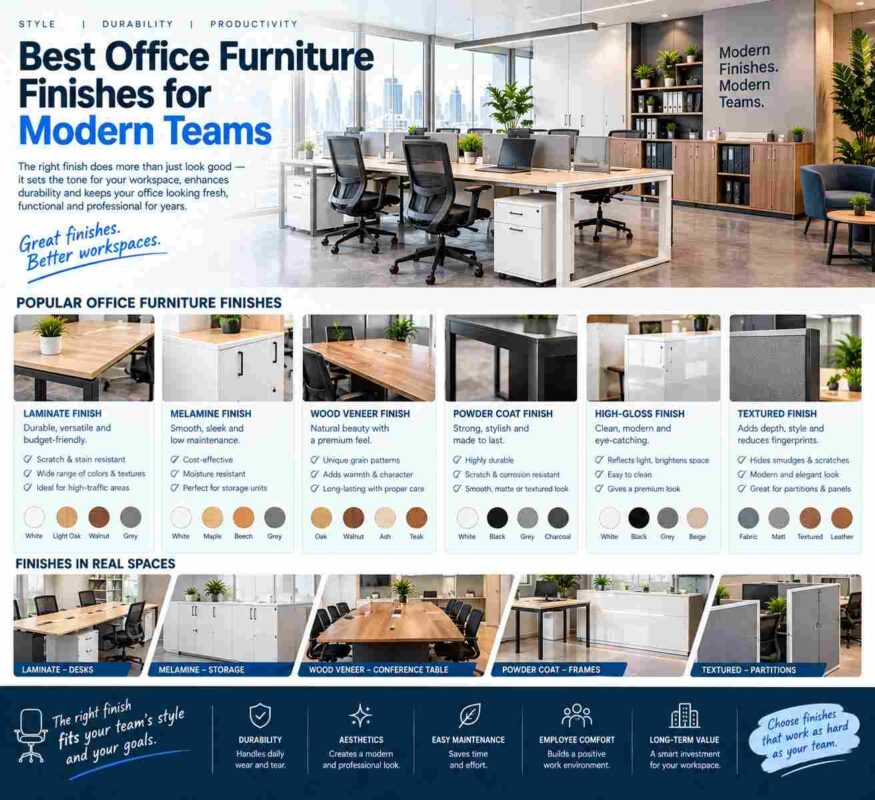
Material quality matters just as much in a commercial setting. Durable worktops, stable metal frames, premium laminate finishes, and well-fitted edge banding retain their appearance under constant use. A workstation is a daily operating asset. Choosing commercial-grade construction reduces the likelihood of wobble, scratched surfaces, loose fittings, and early replacement costs.
Ergonomics Should Be Planned as a System
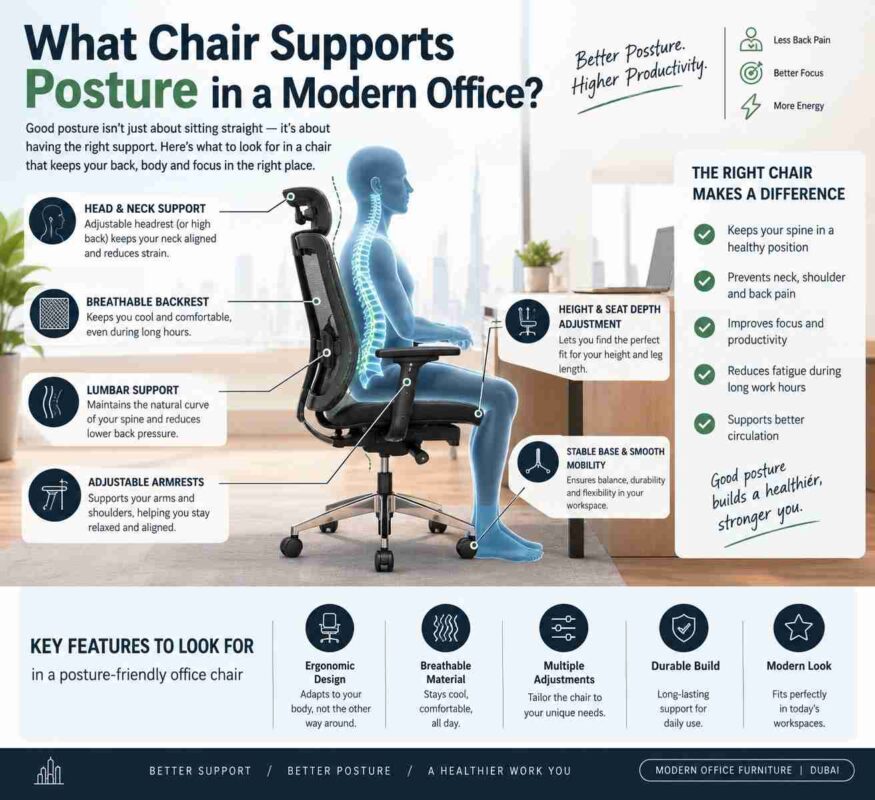
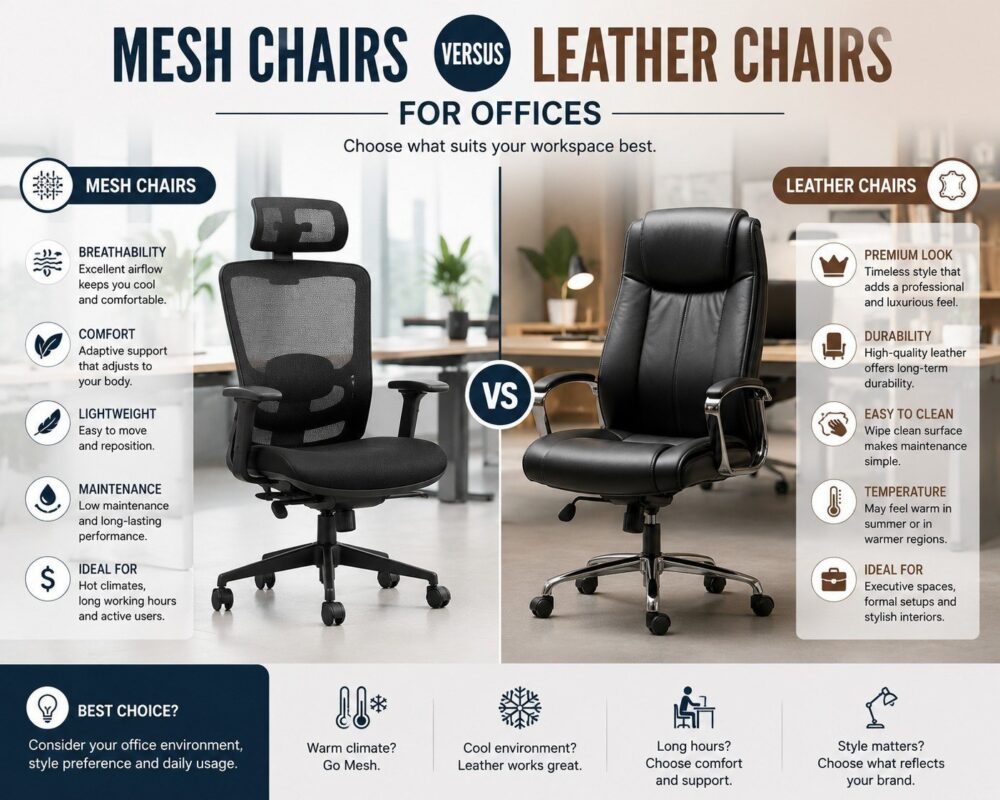
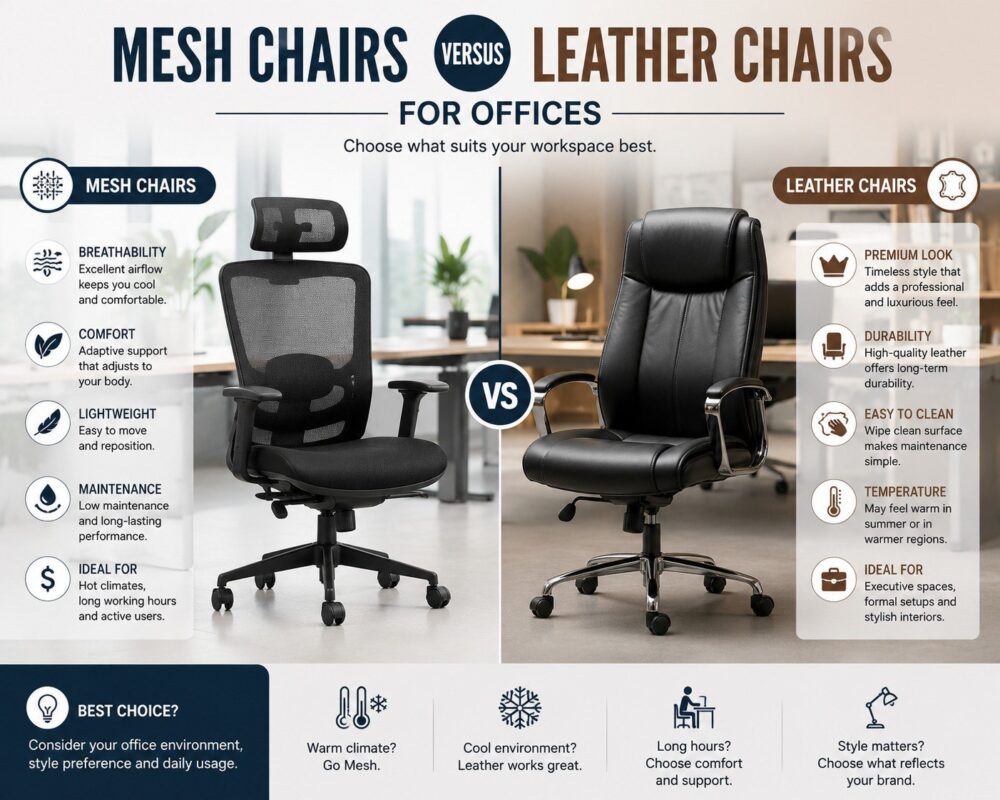
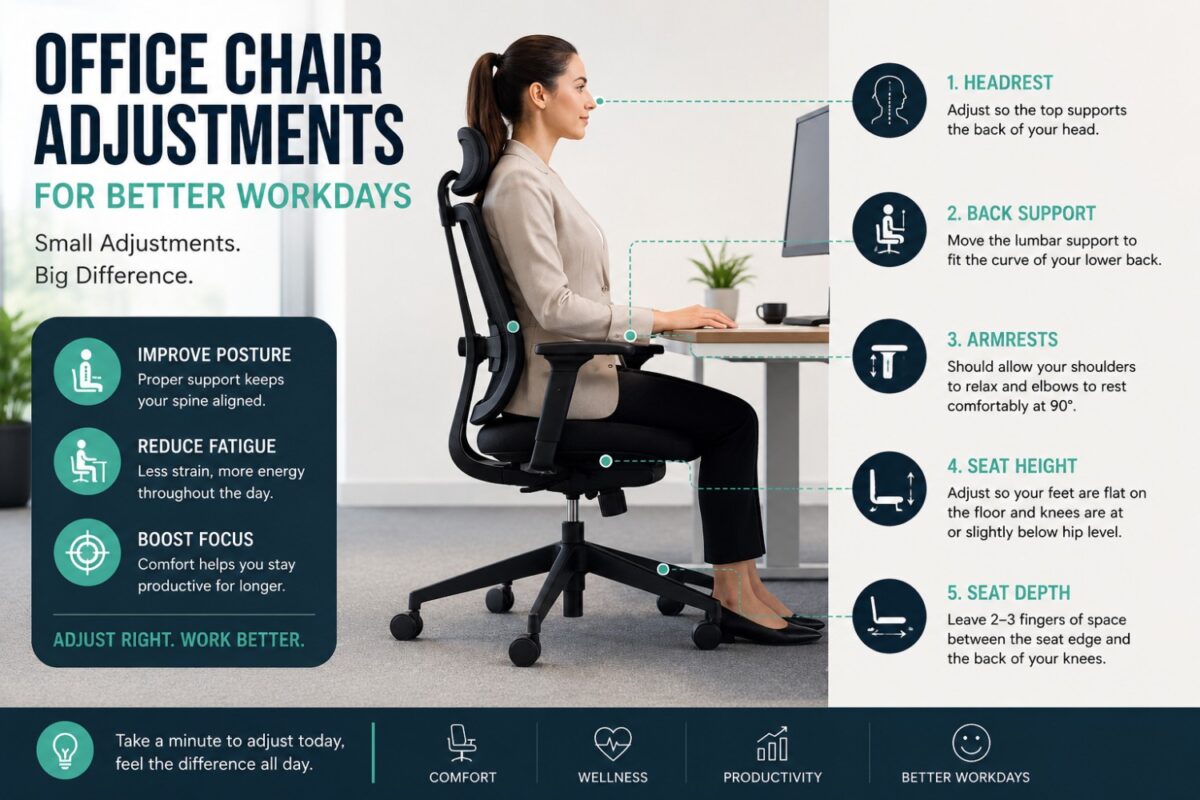
The desk alone cannot create a comfortable workday. It needs to work alongside a chair with the right adjustments and support. A breathable mesh backrest can improve comfort in warm offices and for employees who sit for extended periods, while high-density foam seats help maintain support throughout the day. Adjustable seat height, lumbar support, armrests, and tilt control allow employees with different body types to set up their seating correctly.
Match chair height to desk height, and plan monitor positioning before final installation. Employees should not have to raise their shoulders to type or bend their necks to view screens. Where roles demand long periods of concentrated computer work, investing in ergonomic seating and properly sized workstations is a direct investment in attendance, focus, and employee wellbeing.
Choose a Workstation Layout Around How Teams Work
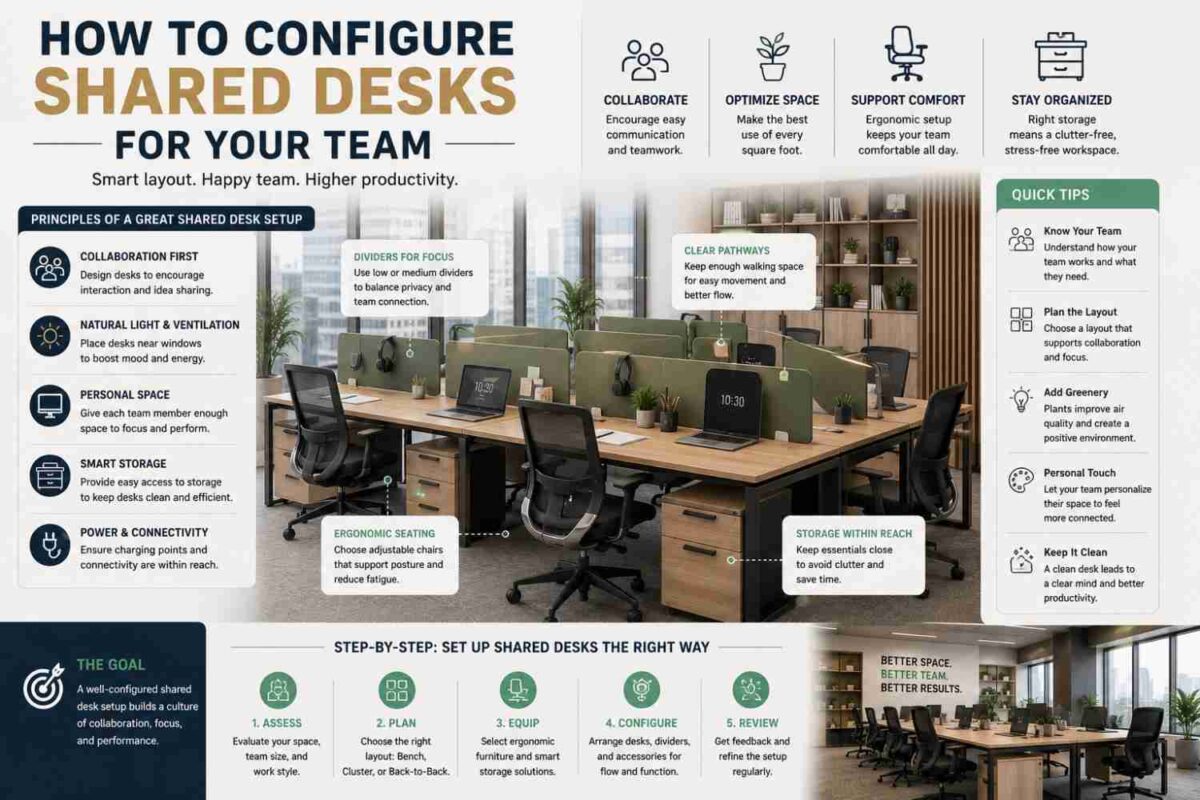
The best workstation layouts are shaped by work patterns, not by an arbitrary desk count. Teams using flexible seating can also review our guide to configuring shared desks for practical layout, privacy and cable-management considerations. A sales team that spends much of the day on calls has different privacy needs from a design team that regularly reviews work together. Procurement and finance teams may need document storage at arm’s reach, while client-facing consultants may benefit from a more refined, less crowded setting.
Individual Workstations for Defined Roles
Single workstations suit executive assistants, managers, specialist roles, and employees whose work requires concentration or frequent handling of physical documents. They can be arranged along walls, positioned in back-to-back rows, or used to create focused zones within a larger office.
An individual desk also gives more control over storage. A two- or three-drawer mobile pedestal can keep sensitive documents, stationery, and personal effects organized without filling the desktop. Pairing the workstation with a vertical filing cabinet is useful when teams need centralized access to larger volumes of records.
Clustered Workstations for Growing Teams
Two-person, four-person, and six-person workstation clusters make efficient use of floor space while creating a coordinated team environment. They are especially effective for startups, project teams, customer support departments, and businesses scaling headcount without moving to a larger office immediately.
A shared bench layout should still give each person clear personal territory. Privacy panels help define work zones, reduce direct visual distraction, and create a cleaner cable route between adjacent desks. They are particularly valuable in teams handling confidential client information or working across multiple monitors. However, very high panels can limit spontaneous collaboration and reduce access to natural light. The right panel height depends on whether your priority is quiet concentration or frequent team interaction.
Clustered workstations also benefit from a consistent cable strategy. Built-in grommets, under-desk trays, and shared power access prevent cables from crossing walkways or gathering beneath desks. This detail may seem minor at purchase stage, but it has a major effect on cleaning, safety, IT access, and the finished appearance of the office.
Executive Workstations for Authority and Organization
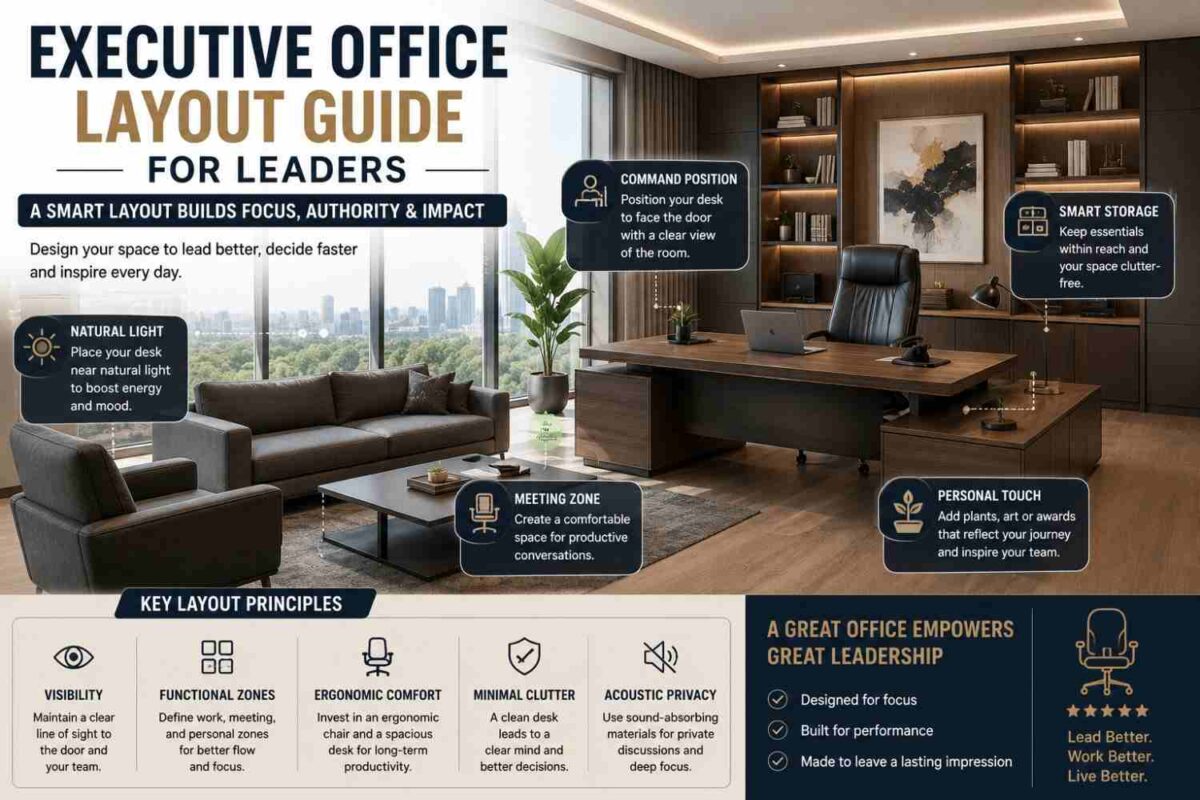
An executive office has a different purpose from a standard team desk. It is a working environment, a meeting point, and often a space where clients form an impression of the business. Executive workstations should offer a broad desktop, integrated storage, premium finishes, and enough room for short discussions without making the office feel crowded.
A return desk or L-shaped configuration can create a useful distinction between computer work and paperwork, while credenzas and filing cabinets keep documents organized and surfaces clear. Finishes should coordinate with executive leather seating, meeting tables, and reception furniture to create a stronger sense of authority and consistency.
The trade-off is footprint. An oversized executive desk can dominate a small office and leave little room for visitor chairs or storage access. Measure circulation space carefully, including door swings and the clearance required to open drawers fully.
Storage Is Part of the Workstation, Not an Add-On
A desk without adequate storage becomes a desk surrounded by temporary solutions. Files move to visitor chairs, supplies collect on worktops, and employees lose time searching for documents. The best workstations account for storage from the beginning.
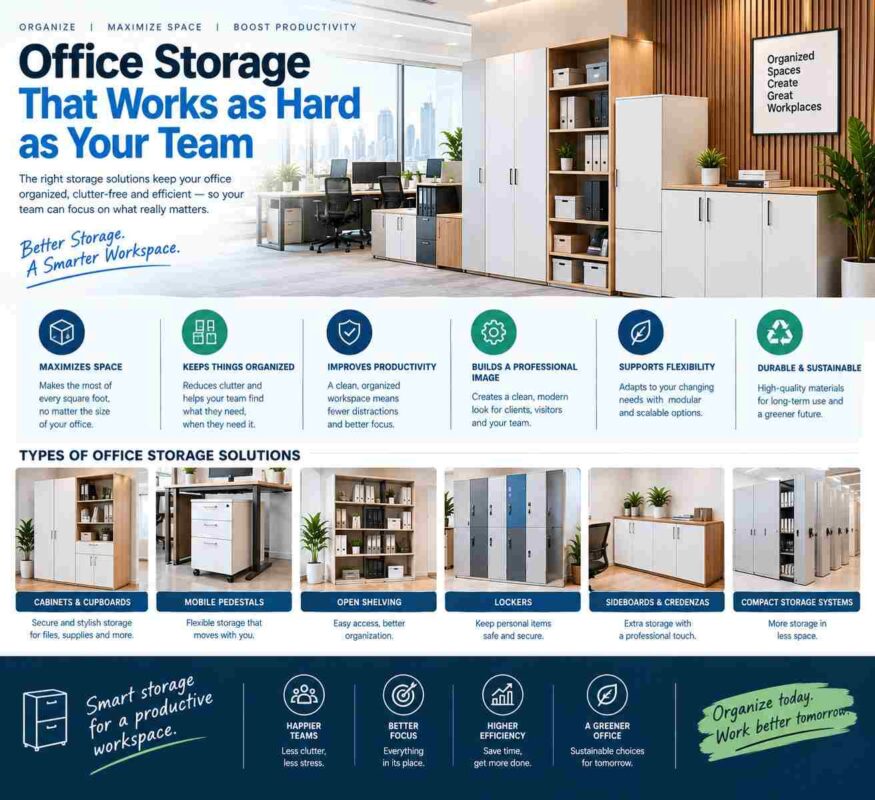
Mobile pedestals are ideal where each employee needs secure personal drawers and the flexibility to reconfigure desks later. Fixed pedestals can create a more built-in appearance but are less adaptable when departments expand or layouts change. Vertical filing cabinets conserve floor area, while wider storage cabinets can support shared supplies, printer stations, archives, or departmental files.
Consider what must be stored close to the user and what can be centralized. Daily-use items belong within easy reach. Archived records, bulk stationery, and shared equipment can be placed in dedicated storage zones away from concentrated work areas. This approach protects valuable desktop space and gives the office a calmer, more controlled appearance.
Plan for Circulation, Collaboration, and Future Change
A workstation layout should make the office feel easier to use, not merely full. Leave clear routes to exits, meeting rooms, printers, storage, and reception areas. Avoid placing desks where employees must constantly pass behind seated colleagues or where chair movement blocks a main walkway.
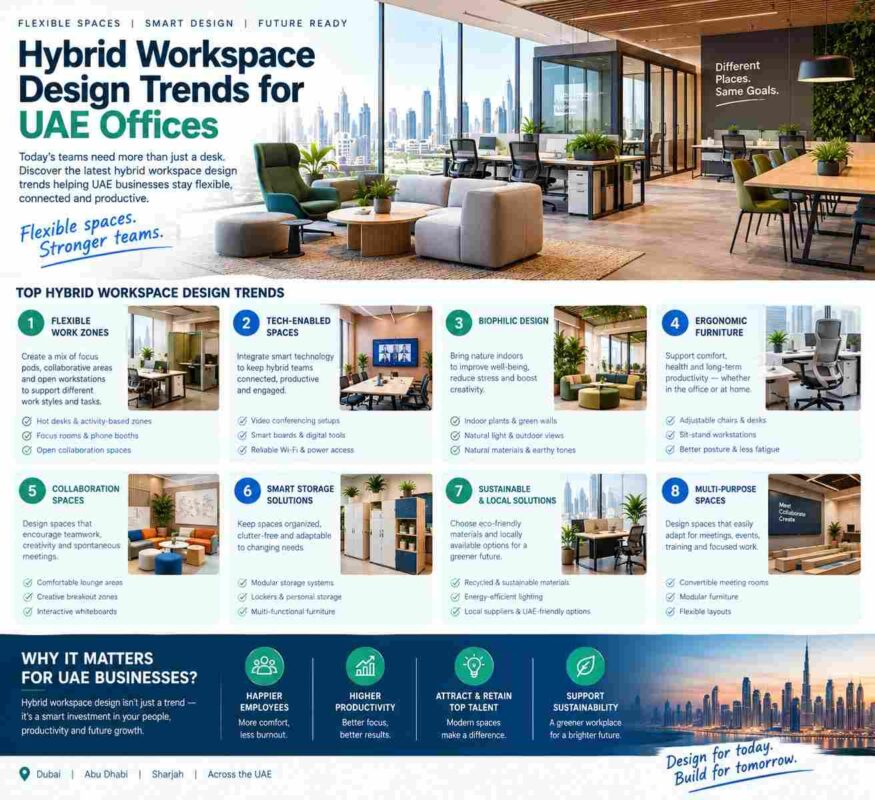
Also consider the work that does not happen at the desk. Informal discussions often need a small meeting table, lounge seating, or a standing point away from focused work zones. If every conversation takes place between workstation clusters, interruptions become part of the office culture. Separating collaboration areas from concentration areas helps both functions perform better.
Growth is another practical consideration. Modular workstation systems allow you to add seats, change cluster sizes, or relocate storage with less disruption than a collection of unrelated desks. Consistent dimensions and finishes make future additions look intentional rather than patched together. For businesses planning phased expansion, this flexibility can protect the original furniture investment.
Details That Create a Professional Finish
The visual quality of a workstation environment influences how employees feel about their workplace and how visitors judge the business. Coordinated desk finishes, aligned privacy panels, matching storage, and consistent seating create order at a glance. This is especially relevant for professional service firms, corporate offices, and businesses that welcome clients into their workplace.
Avoid treating every furniture category as a separate purchase. A workstation cluster, ergonomic task chairs, filing cabinets, executive offices, boardroom tables, and reception furniture should read as parts of one workplace identity. For workstation projects in the capital, see our office furniture solutions in Abu Dhabi. Desk Craft approaches office furnishing through this coordinated lens, helping businesses create spaces that support productivity while presenting a confident, contemporary image.
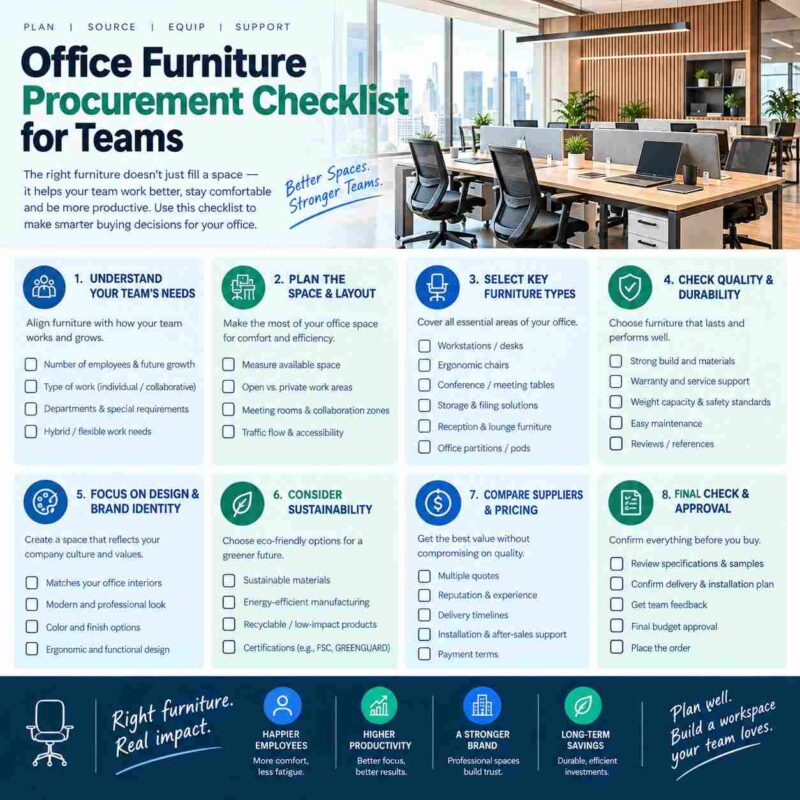
Before approving a final workstation plan, test it against a real workday. Picture employees arriving with laptops, taking calls, opening files, meeting briefly with colleagues, charging devices, and packing away documents at the end of the day. The right workstation should support each of those moments quietly and efficiently. When furniture removes friction instead of adding it, your office gains the structure, comfort, and authority people notice.
Request a Quote for your office furniture requirement.