Blog
2 Person Workstation Clusters for Smarter Teams


A two-person workstation can look efficient on a floor plan and still create daily friction if it is poorly specified. Cables end up visible, chairs compete for movement space, storage spills into walkways, and employees lose focus to constant screen exposure. Well-planned 2 person workstation clusters prevent those small operational problems while giving teams a more organized, credible setting for productive work.
For startups, professional firms, and growing departments, the format offers a practical middle ground. It uses space more intelligently than two isolated desks, yet it avoids the density and noise that can come with larger benching runs. The right cluster supports individual concentration, quick colleague interaction, and a workplace appearance that reflects professional standards.
Why Two-Person Clusters Work in Modern Offices
Two-person workstation clusters are especially effective for roles that need frequent, low-disruption coordination. Finance teams, sales pairs, design assistants, project coordinators, and client service staff can share a workstation zone without turning every question into a meeting. A quick glance or short conversation is easy, while each person retains a defined personal work surface.
This arrangement also makes office planning more flexible. Instead of committing an entire room to one department, facilities teams can position paired workstations in rows, back-to-back banks, or smaller neighborhoods. As headcount changes, additional clusters can often be introduced without redesigning the entire office.
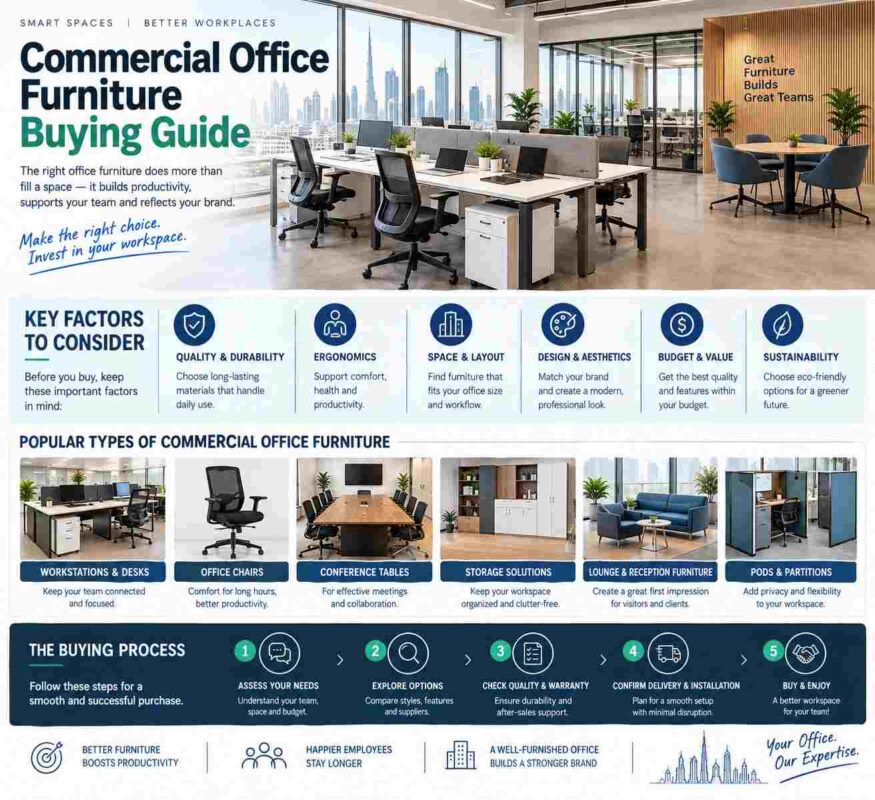
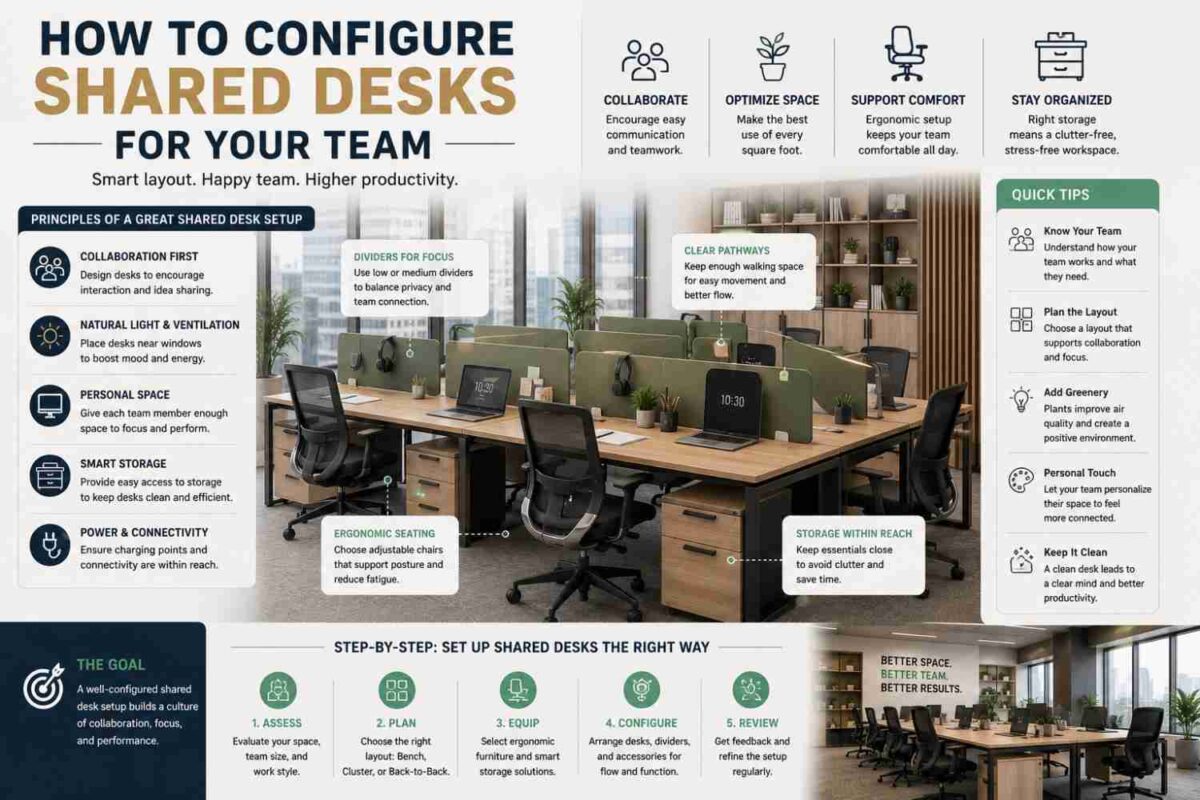
The commercial advantage is visual consistency. Matching worktops, panel systems, pedestals, and task chairs create order across an open office. That matters when clients, candidates, and senior leadership move through the space. Furniture should do more than fill square footage – it should communicate discipline, capability, and attention to employee comfort.
Choosing the Right 2 Person Workstation Cluster Layout
The layout should follow the work being performed, not simply the number of available seats. Two people who spend most of the day on calls have different requirements from two people reviewing drawings, managing documents, or working across dual monitors.
Side-by-Side Workstations
Side-by-side configurations place users next to each other, usually with a shared modesty panel or low divider. They are a strong choice for teams that collaborate continuously and need to compare information on paper or on-screen. This layout feels open and accessible, but it provides less acoustic separation. It is best suited to departments with a cooperative work style and manageable call volume.
Face-to-Face Bench Desks
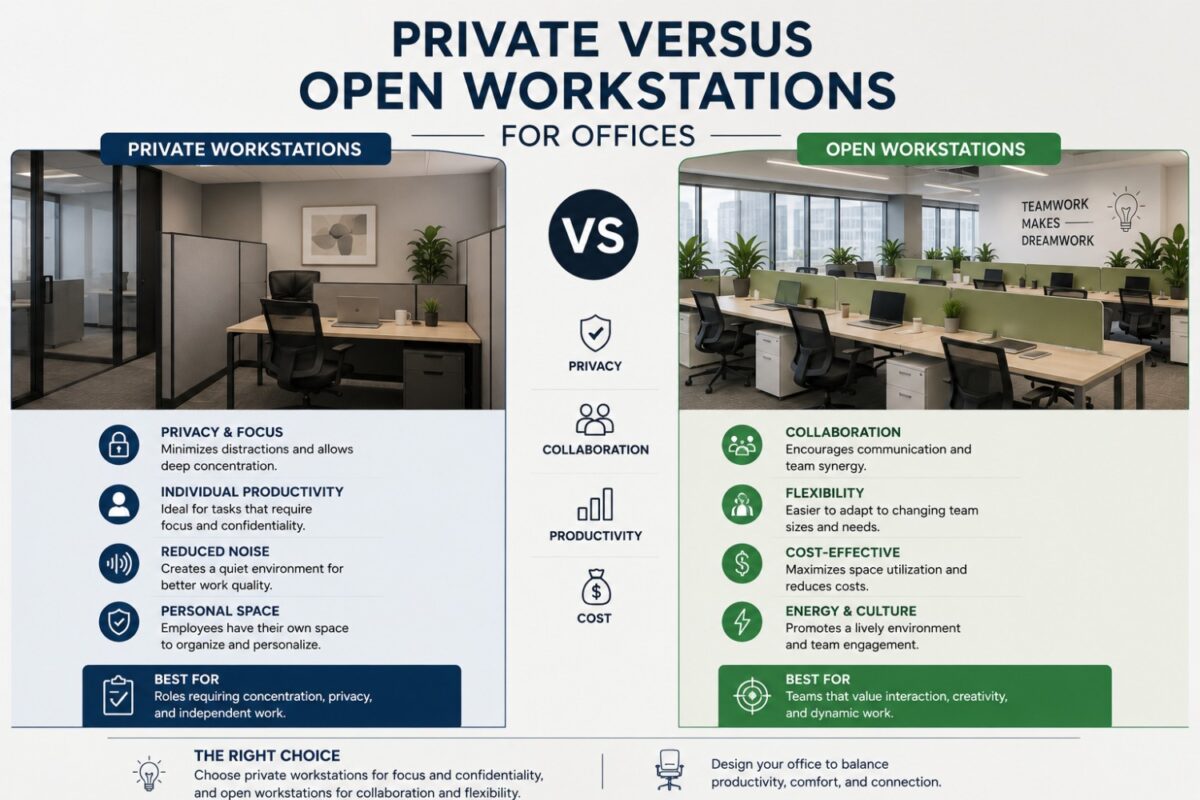
Face-to-face workstation clusters place two users opposite one another, often with a central privacy screen. This creates a compact footprint and gives each employee a clear desk boundary. A central panel can conceal monitor cables, reduce direct visual distraction, and provide a surface for modesty or accessory mounting.
The trade-off is that the panel height needs careful consideration. A low screen supports visibility and conversation, while a taller privacy panel offers better visual separation. Neither is universally better. The correct choice depends on whether the priority is team exchange or concentrated individual output.
Back-to-Back Workstations
Back-to-back desks create a more independent feel while retaining the planning efficiency of a paired cluster. Each user faces outward, which can be useful where staff members work on confidential screens or need fewer visual interruptions. It is also a refined solution for open-plan offices seeking a cleaner, more structured workstation rhythm.
This configuration requires enough clearance around both chair positions. Saving a few inches at the planning stage is rarely worth creating circulation problems once employees are seated, drawers are open, and visitors need to pass through.
Start With the Work Surface, Not the Room Count
A desk surface that is too shallow or narrow quickly becomes a productivity issue. Employees using a laptop may need only modest desk depth, but dual monitors, docking stations, document trays, and client files demand more usable space. Consider the equipment each role uses before selecting dimensions.
A quality workstation should accommodate the employee, the technology, and the task at the same time. The surface should leave room for proper monitor placement, a comfortable keyboard position, and enough free area to write or review documents. A large desk is not automatically the best answer, however. Oversized worktops can reduce circulation space and make compact offices feel less intentional.
Material selection matters as well. Commercial-grade tops with durable finishes are better prepared for daily wear, cleaning, and frequent equipment movement. Coordinated metal frames, modesty panels, and executive finishes can elevate a basic workstation zone into a polished part of the office interior.
Privacy Panels Should Match the Team’s Work Style
Privacy panels are among the most valuable components in a two-person cluster, but only when they solve a real workplace need. They can define personal territory, reduce visual distractions, conceal cables, and improve the perceived neatness of the workstation. In client-facing offices, this cleaner presentation helps maintain a strong impression even in active work areas.
For highly collaborative teams, a lower divider may be enough. It creates a sense of structure without making employees feel enclosed. For accounting, legal administration, HR support, or focused technical work, taller panels may be more appropriate because they limit visual exposure and help employees maintain concentration.
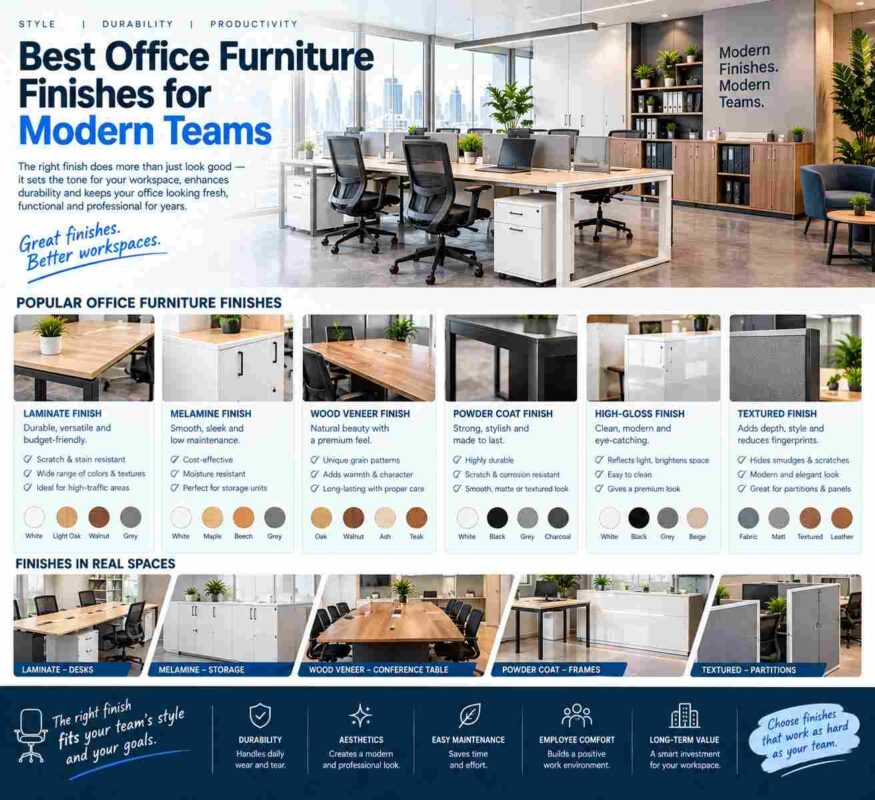
Fabric-covered panels can introduce texture and soften the appearance of a large workstation floor. Melamine or laminate panels are often preferred for a sharper, more contemporary finish and straightforward maintenance. The decision should align with the wider office palette, including reception desks, meeting tables, storage cabinets, and seating.
Build Storage Into the Cluster
A workstation cluster loses its visual advantage when files, personal items, and office supplies have nowhere to go. Integrated storage is not an add-on. It is part of the workstation’s performance.
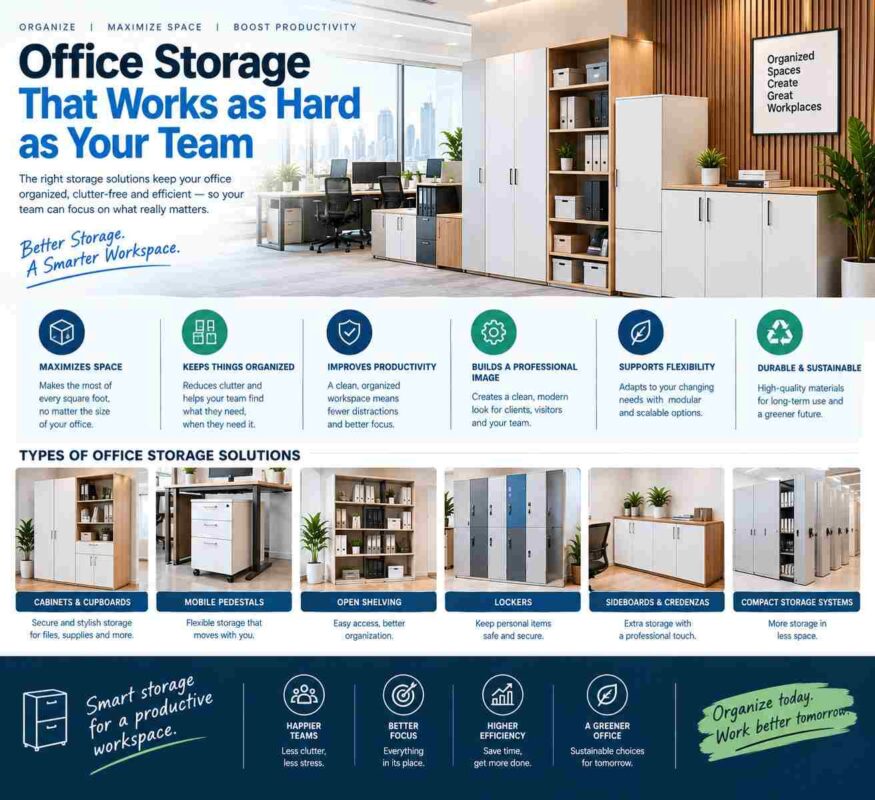
A mobile pedestal is often the most flexible choice for individual users. It can provide drawers for stationery and documents while moving when layouts change. Fixed pedestals can create a more permanent, substantial desk profile, particularly in professional offices where staff remain assigned to the same position. Shared low storage cabinets can work well between or behind clusters when teams use common files and supplies.
Before choosing drawer configurations, identify what must be stored at the desk and what belongs in centralized filing. Employees who work primarily from cloud-based systems may need only personal storage. Departments handling physical contracts, samples, invoices, or project folders may require deeper filing capacity. Giving every workstation too much storage can waste valuable floor area; providing too little creates clutter immediately.
Pair the Desk With Ergonomic Seating
The workstation and chair must be selected as one working environment. A well-built desk cannot compensate for a chair that lacks adjustability, support, or breathable comfort during long shifts.
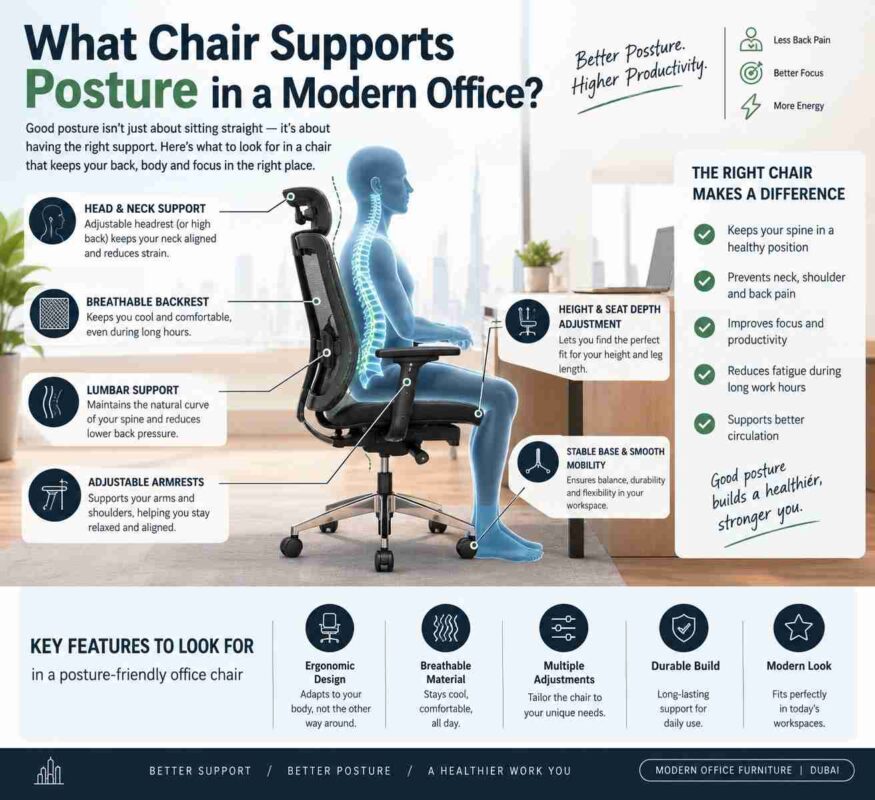
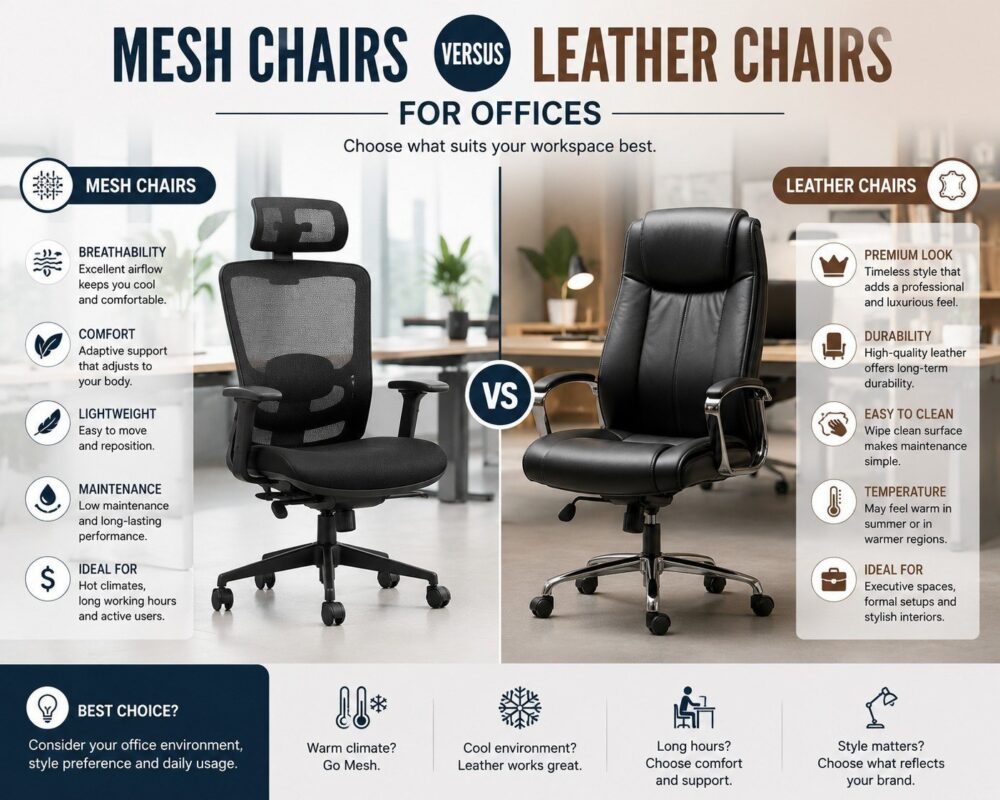
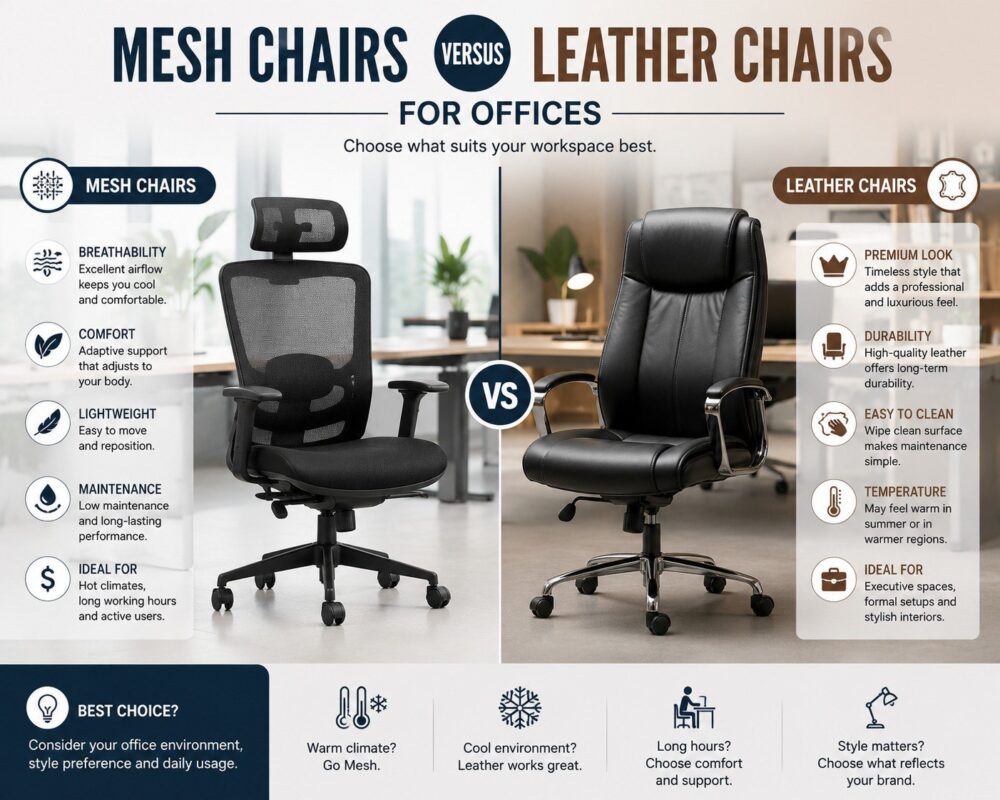
For everyday team seating, ergonomic mesh chairs are often a practical choice. A breathable mesh backrest supports airflow in warm office environments, while adjustable seat height, lumbar support, armrests, and tilt functions help employees establish a more comfortable posture. High-density foam seating can provide lasting comfort and retain its shape through regular commercial use.
Chair dimensions deserve the same attention as desk dimensions. The user needs sufficient space to move, turn, and access drawers without contacting partitions or another workstation. If a cluster layout looks tight before chairs are added, it will feel considerably tighter once the office is occupied.
Plan for Power, Cables, and Daily Access
A clean workstation depends on what happens below and behind the desktop. Power modules, cable trays, grommets, and monitor arms should be considered early, particularly when users rely on multiple screens or charge several devices. Visible cords weaken even the most premium furniture installation and make cleaning more difficult.
Access is equally important. Employees should be able to enter and leave their seats without asking a colleague to move. Walkways should remain clear when pedestal drawers are open, and shared equipment such as printers should be close enough to use efficiently without creating a traffic bottleneck beside the desks.
For offices that expect growth, choose cluster systems with configurable components. The ability to add matching workstations, privacy panels, or storage later helps preserve a cohesive office identity as teams expand. Desk Craft can support this coordinated approach with workstation configurations, ergonomic seating, storage, meeting furniture, and reception solutions designed to work together.
Make the Cluster Part of a Complete Workplace
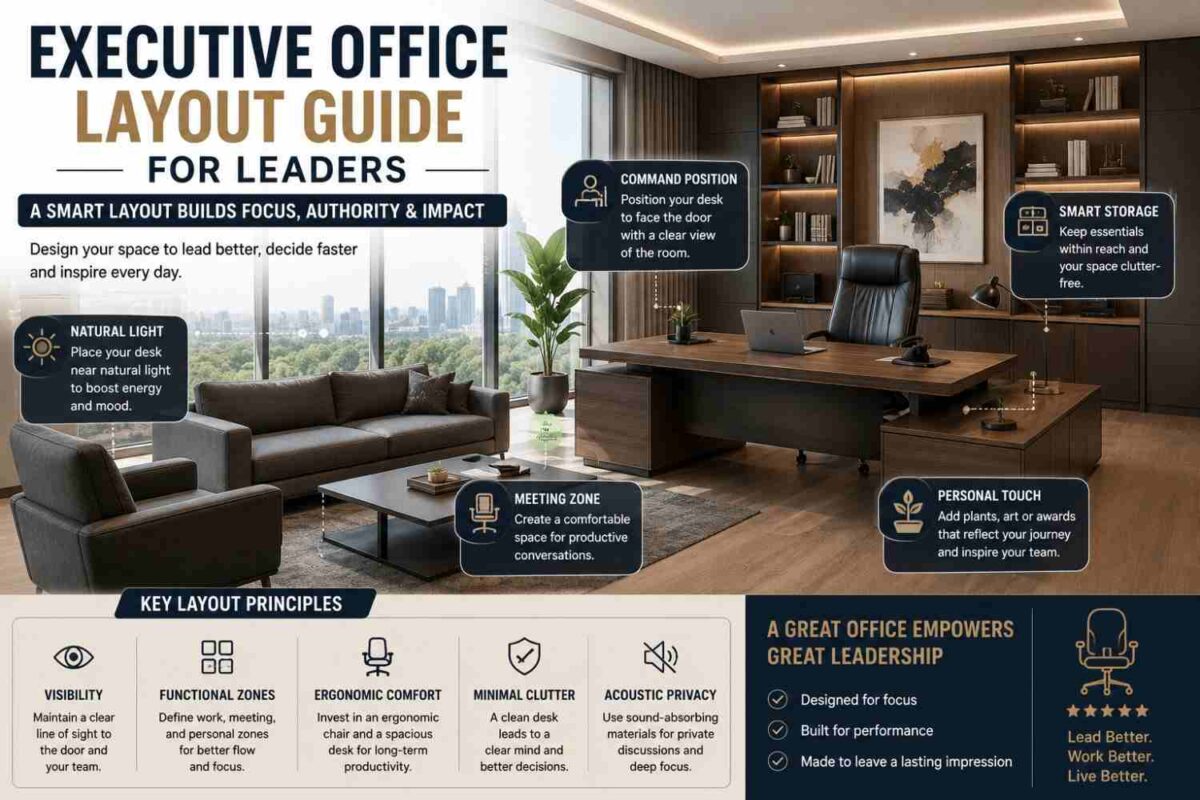
A two-person workstation should not be treated as an isolated purchase. Its finishes, proportions, and functionality should relate to the full employee journey through the office. The same level of consideration should extend to executive offices, boardrooms, visitor seating, reception areas, and informal lounge spaces.
When the furniture language is consistent, the office feels intentional rather than assembled over time. Employees gain a more comfortable place to perform, managers gain a layout that is easier to operate, and visitors see a business that values both authority and comfort. Start with the way two people actually work together, then build the workstation cluster around that reality.