Blog
What Chair Supports Posture in a Modern Office?

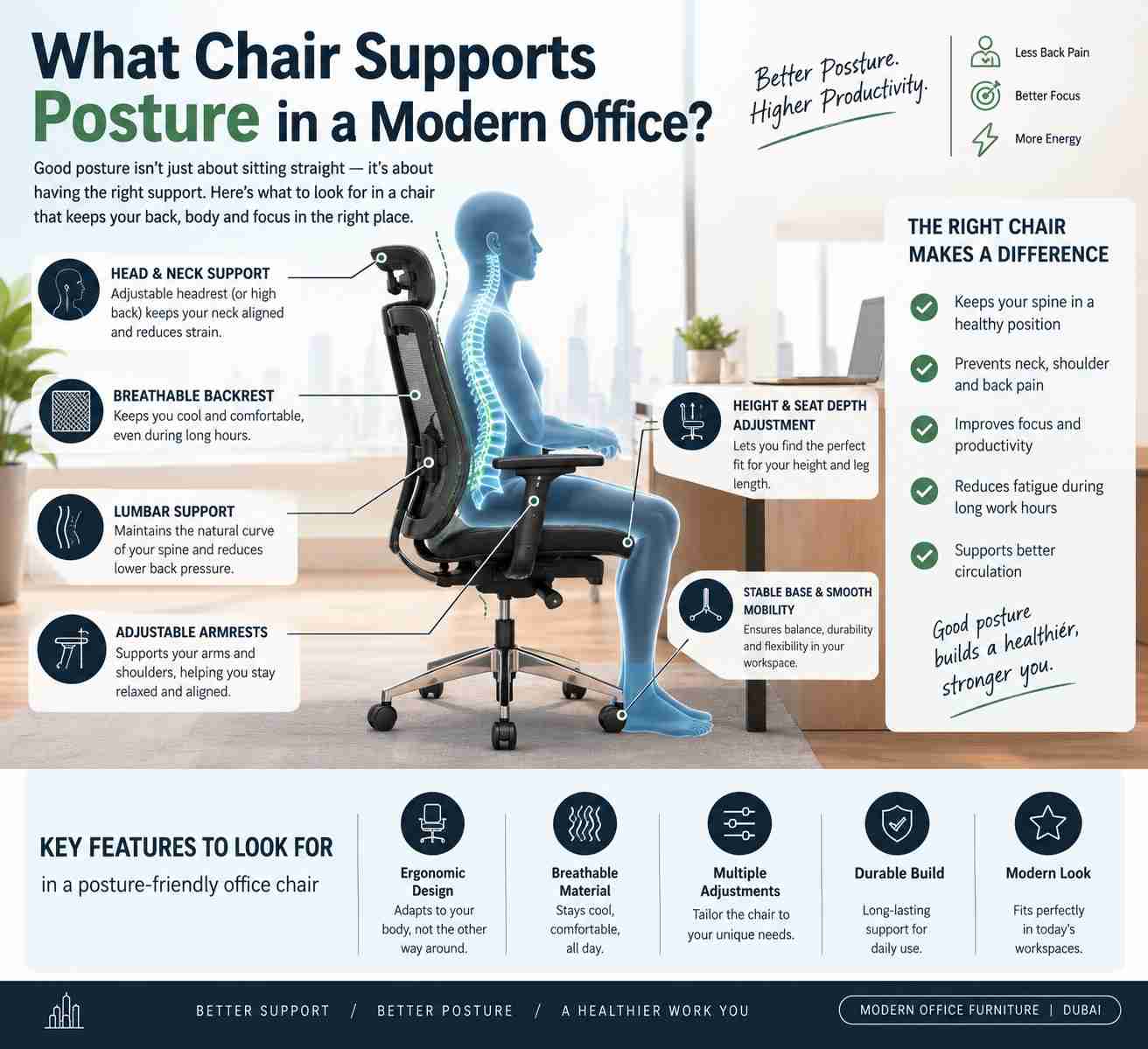
A chair can look executive, feel soft for five minutes, and still leave an employee shifting position by midafternoon. The better question is not simply what chair supports posture, but what chair can be adjusted to support the person, the desk height, and the work being done. For offices investing in productivity, comfort, and a stronger professional environment, that distinction matters.
A posture-supporting chair is rarely defined by one feature alone. It is a coordinated seating system: adjustable lumbar support, a backrest that moves with the user, a seat that fits the thigh length, armrests that meet the desk, and a stable base that encourages natural movement. When these elements work together, the chair helps employees maintain a more balanced working position through focused tasks, calls, meetings, and long screen-based days.
What Chair Supports Posture for Desk Work?
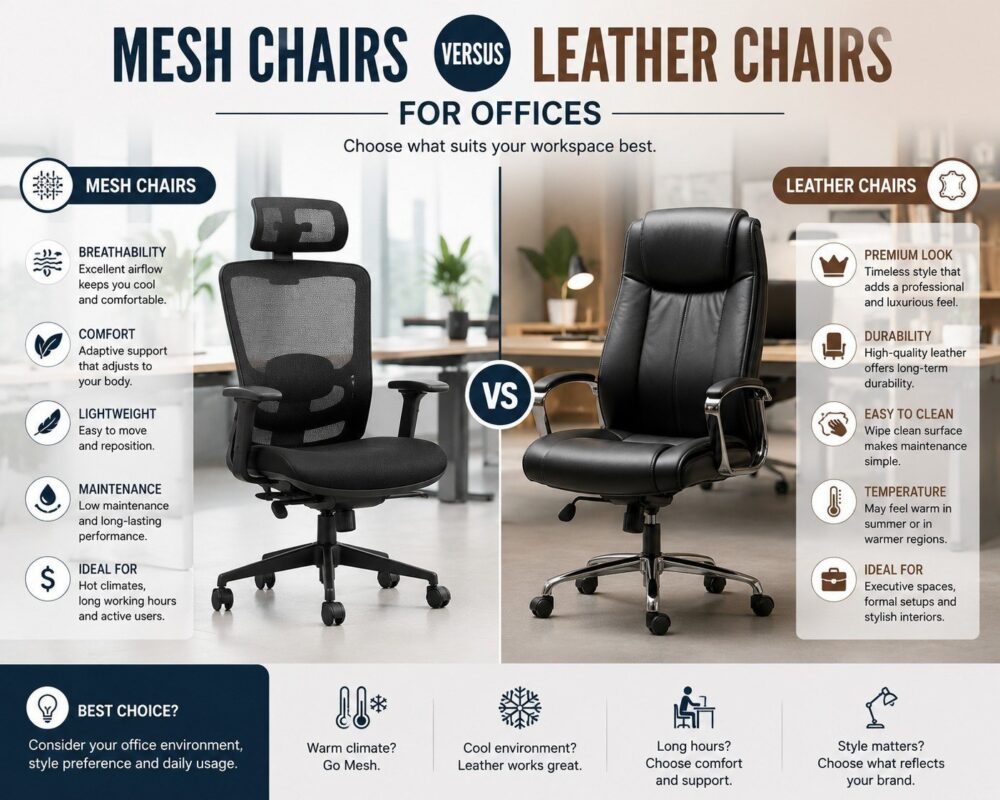
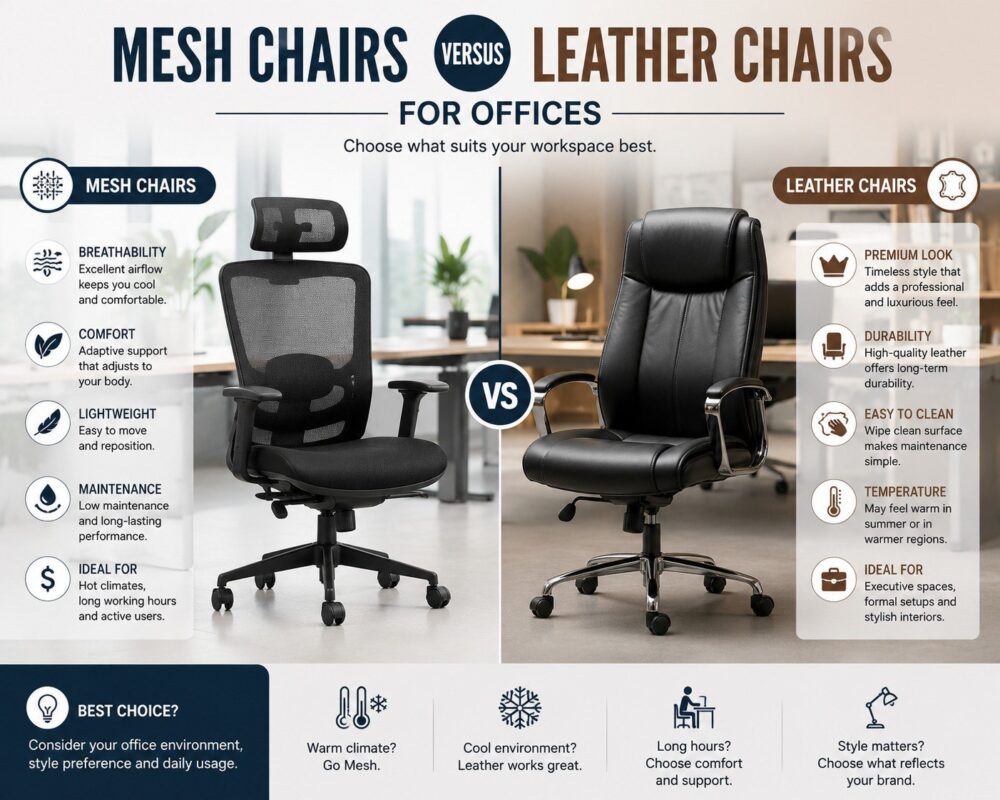
For most desk-based roles, an ergonomic task chair with a breathable mesh backrest and multiple adjustments is the strongest choice. Mesh allows air circulation in warm offices, while an adjustable backrest can provide consistent support across the lower back. This makes it especially practical for shared workstations, growing teams, and organizations where several employees may use the same seating model.
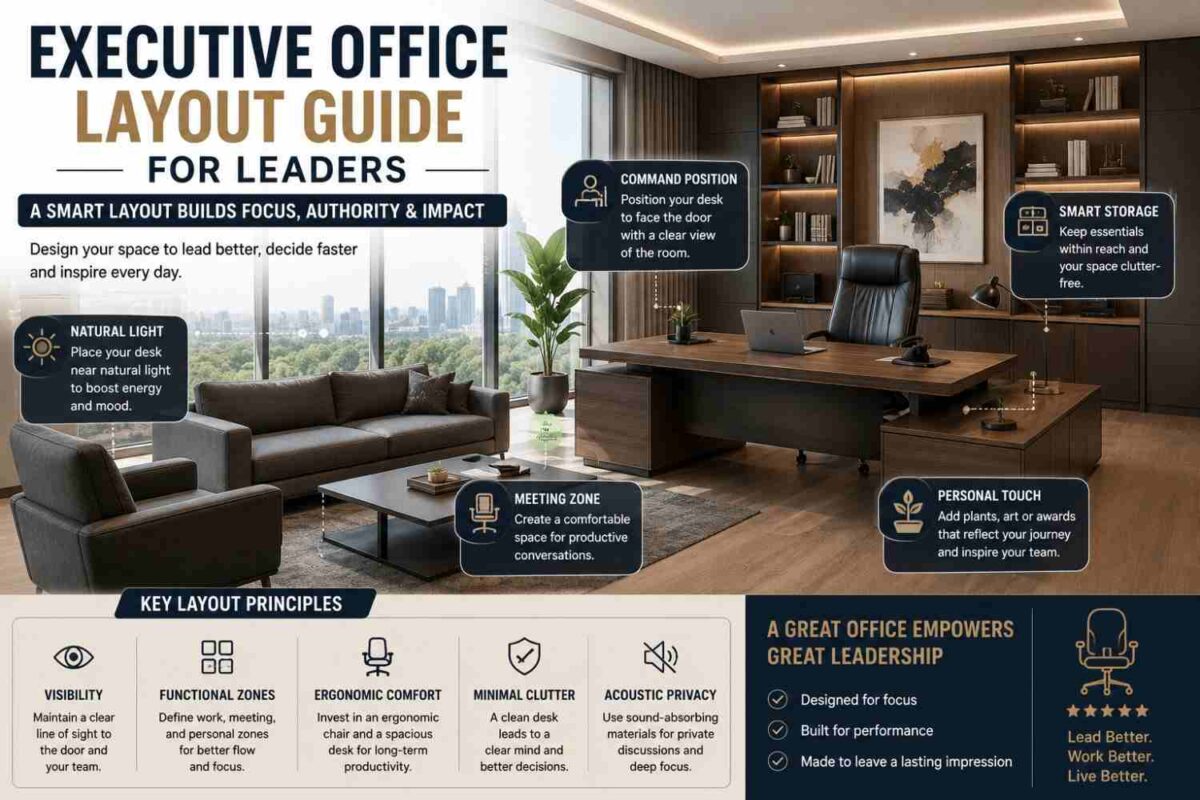
That does not mean mesh is automatically right for every space. Executive offices often benefit from a premium leather or leather-finish chair with high-density foam, a supportive contoured back, and synchronized recline. The visual impact communicates authority and confidence, while the internal ergonomics should still provide functional support for extended work. A fixed, oversized executive chair may look impressive, but it is not a posture solution if the user cannot adjust its height, tilt, or lumbar area.
The right category depends on the role. A workstation chair should prioritize daily adjustment and movement. For offices where floor space matters, a compact model such as the Slim Office Chair can combine a space-efficient profile with high-back or mid-back ergonomic seating. An executive chair should balance commanding presence with long-session comfort. Visitor and conference chairs can offer supportive contours, but they are designed for shorter use periods and should not replace task seating for full-time employees.
The Features That Make a Real Difference
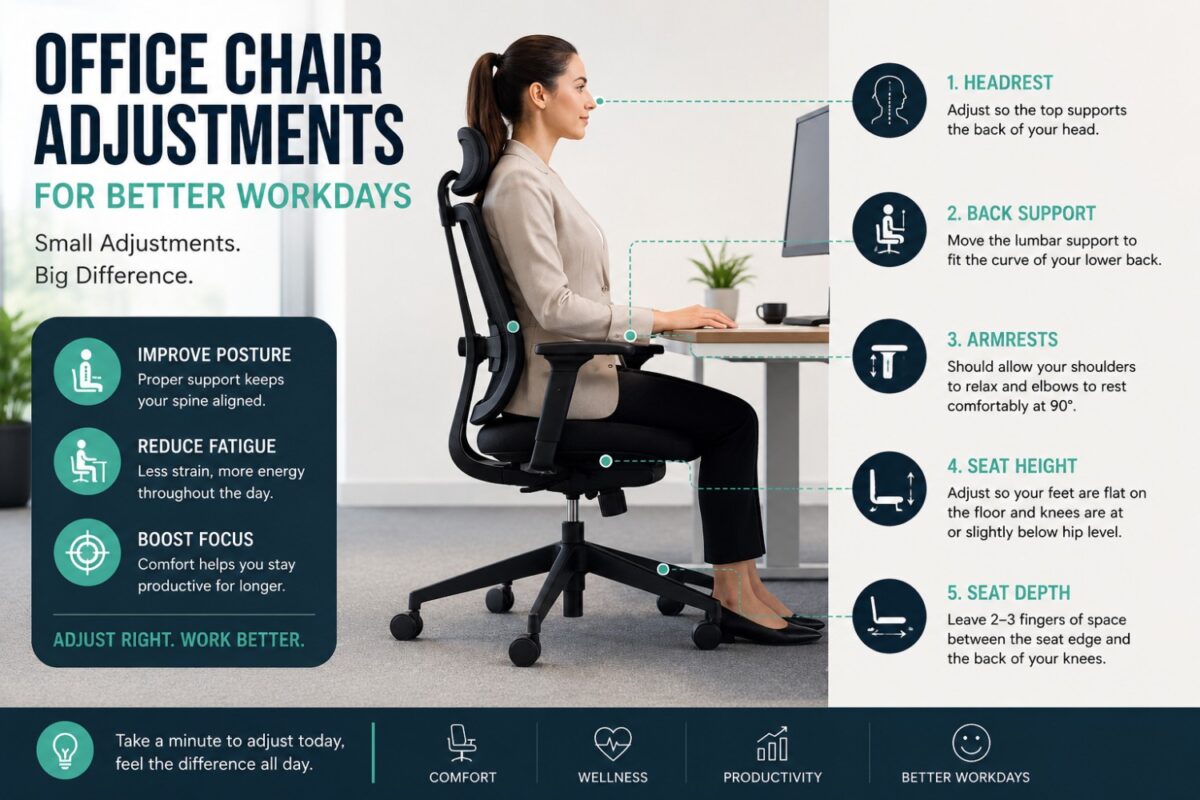
Posture support begins with seat height. Users should be able to place both feet flat on the floor or on a footrest, with knees positioned roughly level with or slightly lower than the hips. A pneumatic height-adjustment mechanism makes this achievable across a mixed team and different desk configurations.
Seat depth is equally significant. When the seat pan is too deep, users tend to slide forward or press the back of their knees against the edge. When it is too shallow, the thighs receive insufficient support. Look for a seat that leaves a small space between the front edge and the back of the knee. For offices furnishing a broad employee population, a sliding seat pan adds valuable flexibility.
Lumbar support should meet the natural curve of the lower back rather than merely adding a visible cushion. Adjustable lumbar height is ideal because torso proportions vary. Depth adjustment is an added advantage, allowing users to choose a gentle contact point or firmer lower-back support. The aim is not to force the spine into an exaggerated shape. It is to reduce the tendency to collapse into a rounded, unsupported position.
A supportive chair also needs a responsive recline mechanism. Sitting completely upright without movement for hours is not the standard to pursue. A synchronized tilt lets the backrest and seat move in a coordinated ratio. Supporting the user when leaning back to think, read, or take a call. Tension control is essential: lighter users should not have to fight the chair to recline, while heavier users should not feel as though the backrest gives way too easily.
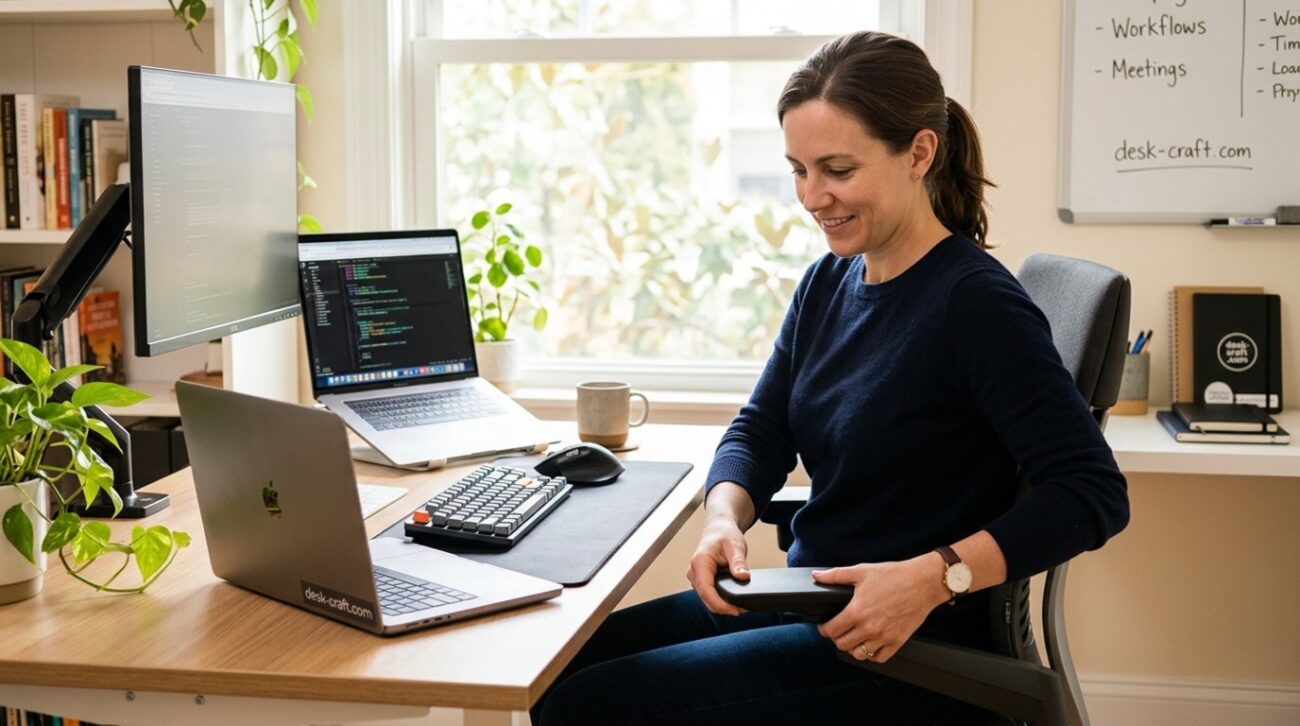
Armrests are often underestimated. Adjustable armrests can help keep shoulders relaxed when typing, reducing the habit of lifting the shoulders toward the ears. At minimum, choose armrests that adjust in height. For intensive computer work, width, depth, and pivot adjustments offer a more precise fit. They must also slide beneath the desk so employees can sit close enough to their keyboard and monitor.
Why the Desk and Chair Must Be Specified Together
Even the best ergonomic chair cannot compensate for a desk that is too high, too low, or poorly planned. When desk height forces the elbows upward, the user may raise the chair, leaving feet unsupported. When monitors sit too low, the employee will lean forward regardless of lumbar quality. Posture is a workstation outcome, not a chair-only purchase.
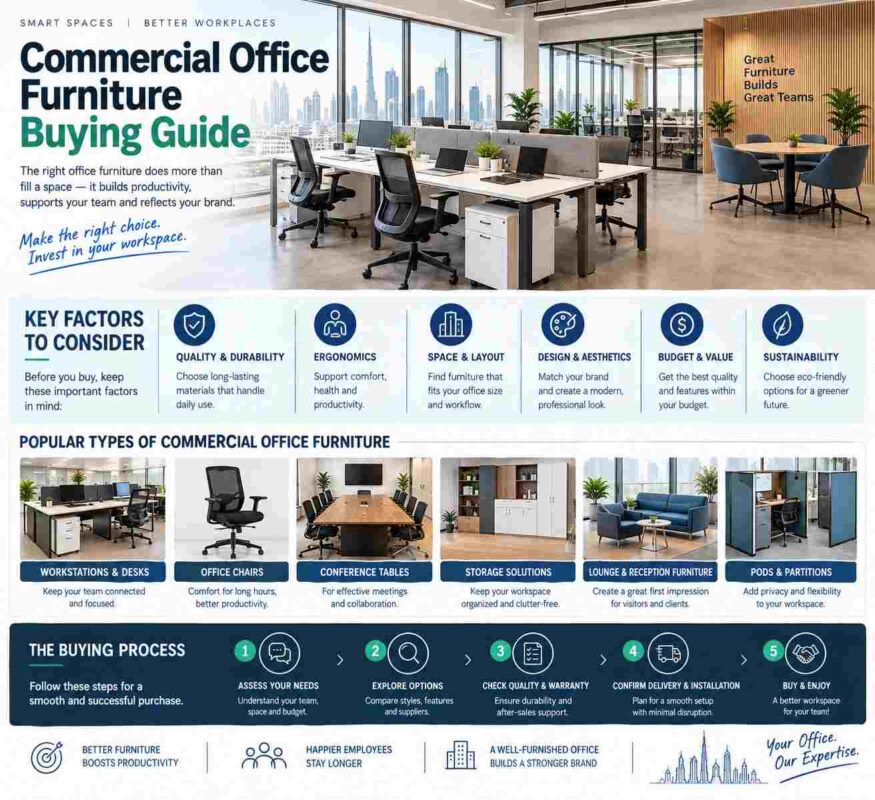
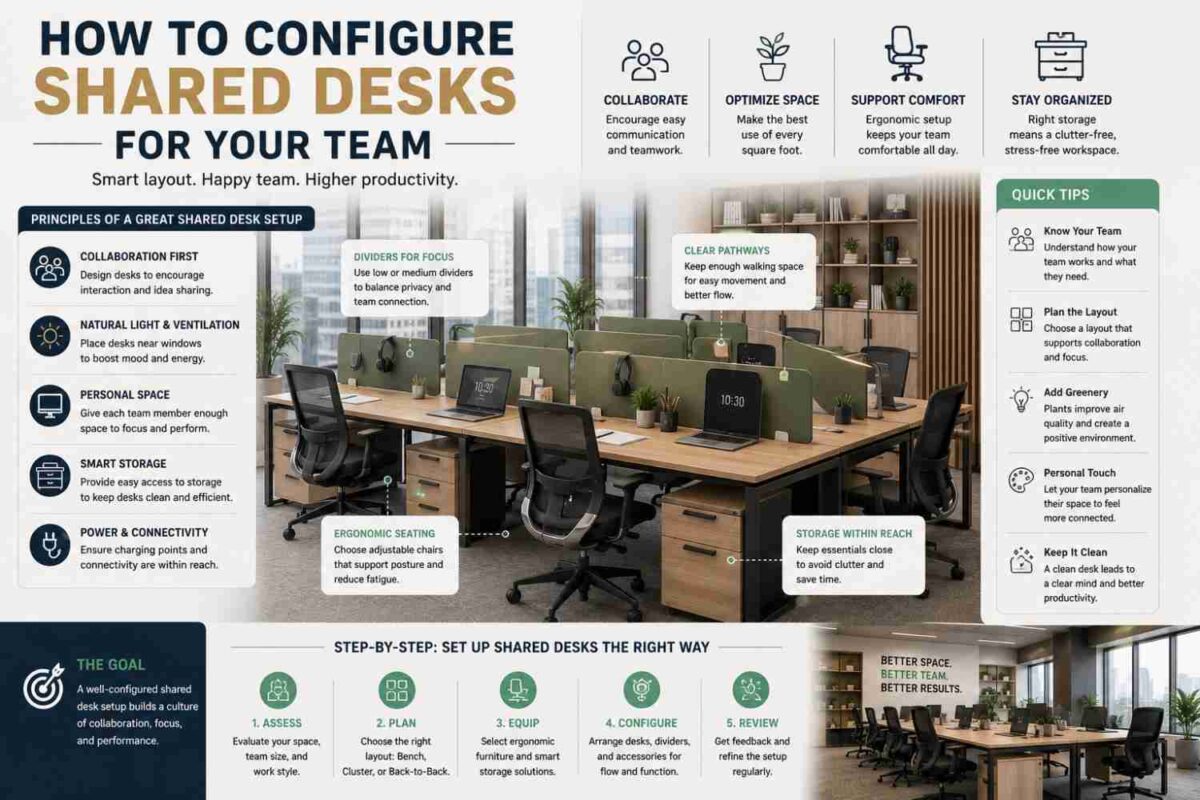
For this reason, facilities teams should evaluate seating alongside workstation dimensions, monitor arms, privacy panels, storage pedestals, and cable management. A clean workstation layout keeps frequently used equipment within reach and prevents the twisting, overreaching, and forward leaning that gradually erode a good seated position.
In collaborative settings, consider how the chair works with the workstation cluster. Two-, four-, and six-person workstations create efficient team zones, but each position still needs adequate knee clearance, usable armrest space, and room to roll back from the desk. Crowding chairs into an otherwise attractive layout is a common planning mistake that reduces daily comfort.
Mesh, Foam, and Executive Finishes: Choosing the Right Build
Breathable mesh backrests suit high-use operational teams, open-plan offices, and warm work environments. They can provide flexible back contact without trapping heat, and their contemporary appearance fits modern workstation clusters. Quality matters, however. A loose or poorly tensioned mesh back may feel unsupportive over time.
Upholstered task chairs with high-density foam offer a more cushioned feel and can work well in private offices or refined professional settings. The foam should retain its shape under frequent use, while the upholstery should be durable enough for commercial environments. A plush seat is not always better. Excessively soft foam can make it harder to maintain a stable, supported position through a full workday.
Leather executive chairs remain a strong choice for leadership spaces, client-facing offices, and boardroom-adjacent suites. Their premium finish contributes to a strong impression, particularly when paired with an executive desk and coordinated storage. Choose models with an adjustable tilt, height control, supportive back contour, and stable five-star base. The chair should project authority and comfort without sacrificing practical performance.
How to Test Whether a Chair Fits the User
A chair should be evaluated while the user performs real desk tasks, not while sitting still for a showroom moment. Ask the employee to adjust the seat height, bring the chair close to the desk, rest their forearms near keyboard level, and lean back naturally. The backrest should maintain contact without pushing the user forward, while the feet should remain supported.
Check whether the armrests interfere with the desk edge or prevent the chair from moving close enough to the work surface. Look at the monitor position as well. If the user must crane the neck downward or reach forward to type, the workstation needs adjustment beyond the chair.
For procurement teams, it is wise to standardize around a small number of adaptable ergonomic models rather than buying one fixed chair for every role. This simplifies visual consistency, maintenance, and replacement while accommodating different body sizes and work styles. Desk Craft can help organizations coordinate ergonomic seating with desks, storage, meeting furniture, and reception areas so the office performs as a complete environment rather than a collection of separate purchases.
Posture Support Also Requires Movement
The most supportive chair should encourage movement, not hold someone in one rigid pose. Employees benefit from changing their recline angle, standing between tasks, walking to a colleague instead of sending every message, and resetting their position after long calls. A chair with smooth casters, a stable base, and controlled recline makes those small changes easier.
For hybrid schedules and hot-desking, provide quick adjustment guidance at each workstation. A brief reminder to set seat height, lumbar position, armrests, and monitor level can turn a well-specified chair into a well-used one. Without that guidance, even premium seating may remain incorrectly adjusted.
The chair that supports posture is the one that fits its user, works with the desk, and stays comfortable after the first hour has passed. Choose adjustable commercial-grade seating, plan the full workstation around it, and give employees the freedom to move. That investment shows up not only in comfort, but in the focus, confidence, and professional standard your office projects every day.